DMS + Scheduler Integrations
We connect to the systems your store already runs, so your team makes fewer clicks and your guests get a faster, smoother service visit.
Connect
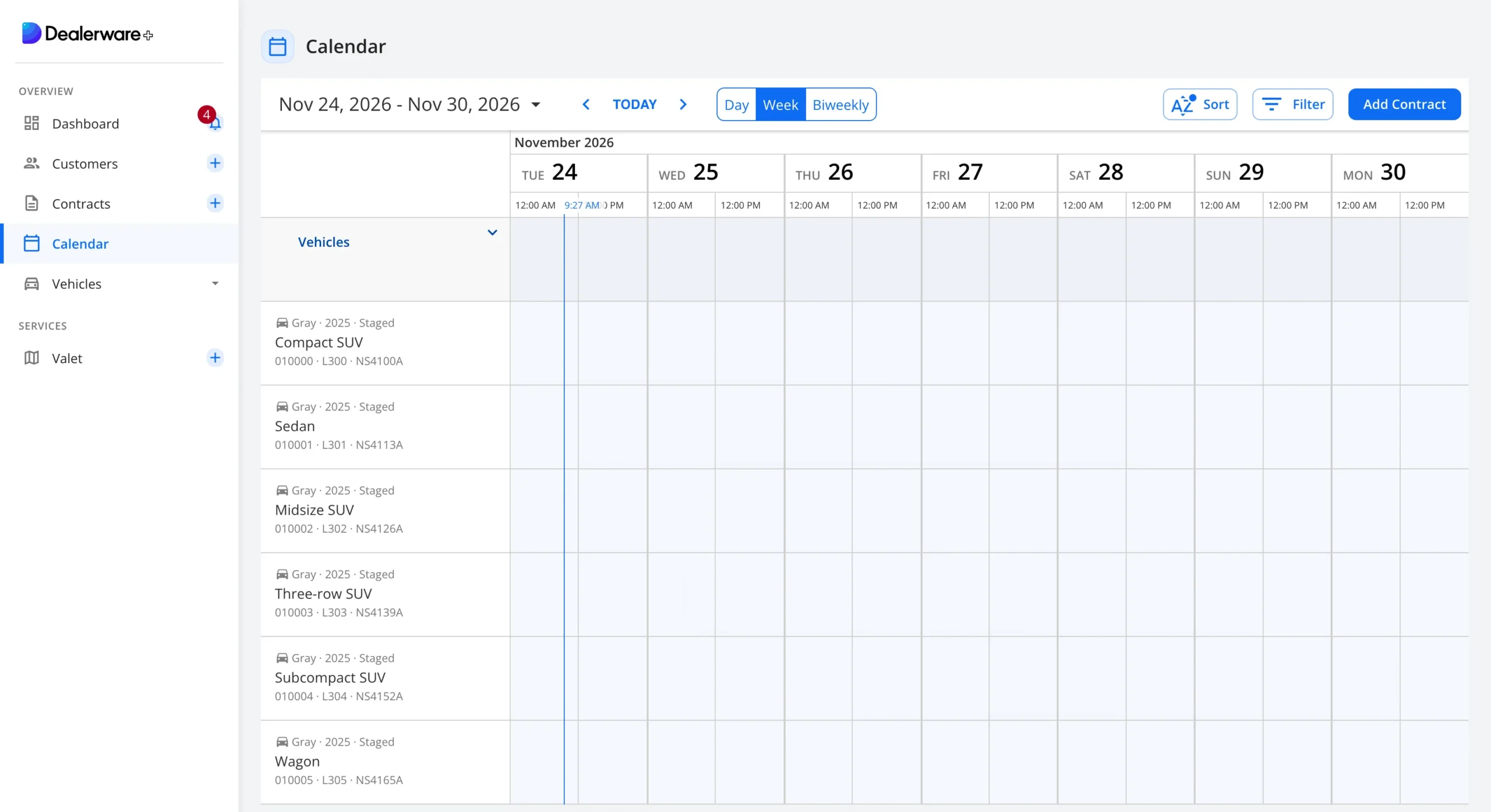
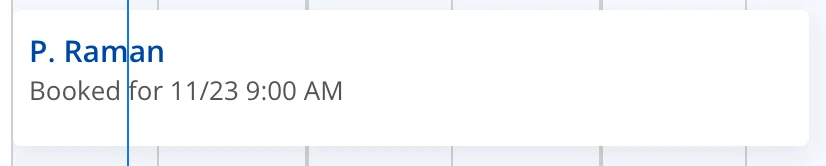
Dealerware plugs into the systems your store already runs. Every appointment with a loaner lands on the calendar, tagged with where it came from.
 Service lane
 DMS
 DMS

What changes

For your guests
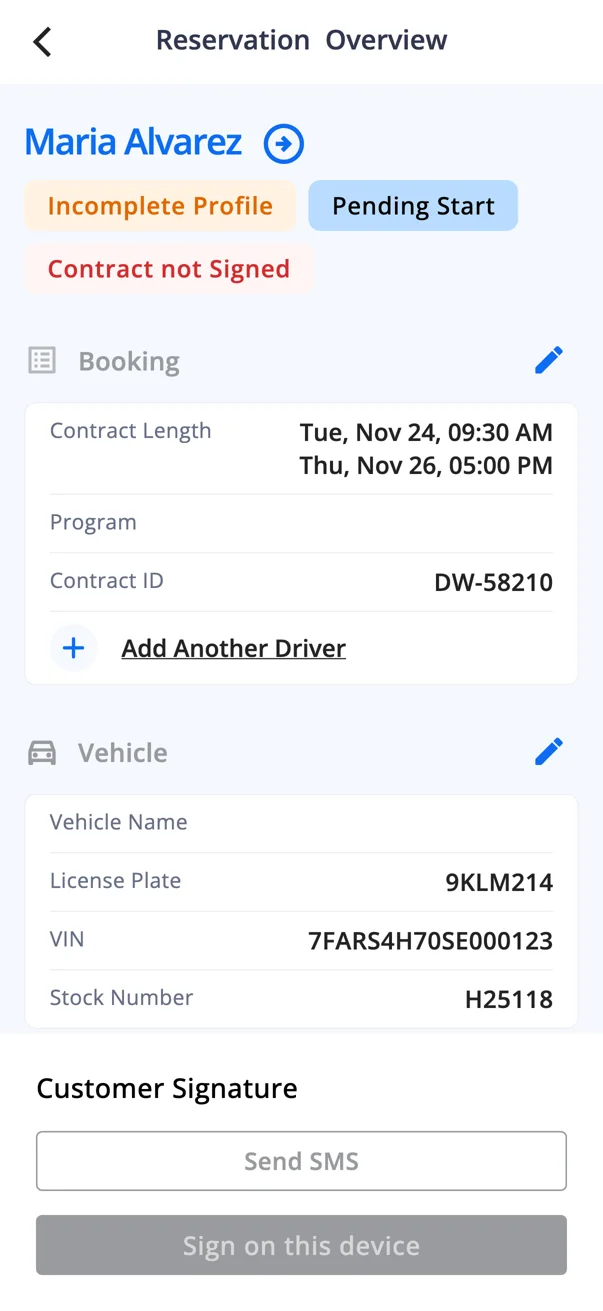
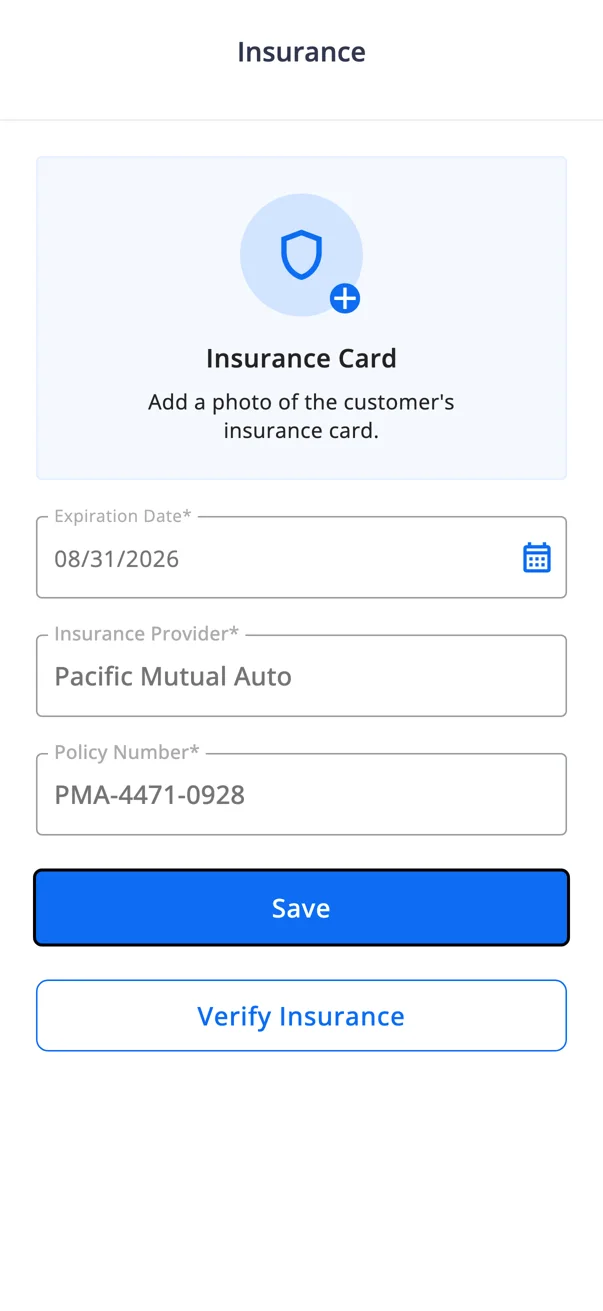
Guests can complete their profile from the moment the appointment is booked. At the counter, the loaner is already theirs.
For your advisors
Your advisor books the service appointment where they always do. Dealerware creates the reservation and matches the guest record. Nothing gets typed twice.






One task, done one time, in the software with the least friction. Dealerware takes it from there.
Systems
Your store picked its scheduler, DMS and service lane platform for a reason. Dealerware connects to them, so your team keeps its workflow and the loaner program keeps up.
Let's talk about your setup.
Request a DemoXtime for scheduling, CDK and Tekion as DMS, and myKaarma as a service lane platform. Integration capabilities and availability vary by system, program and configuration.
A service appointment with a loaner becomes a Dealerware reservation automatically, and the reservation stays updated when the appointment changes.
Customer details transfer onto the reservation and match the existing guest record, so advisors don't re-enter them.
Yes. Guests can complete their profile from the moment the appointment is booked.
Appointments flow straight into Dealerware reservations with guest details attached, and profile completion starts at booking.
Scheduler sync creates the loaner reservation and links the repair order number and VIN to the contract automatically.
Yes. Dealerware is native on Tekion's Automotive Partner Cloud. It's appointment-based, and your store requests activation right inside Tekion.
Loaner availability in real time while booking, one thread for guest messaging, and streamlined payments in the service lane.
Automated reservations fill your Dealerware calendar, so you see true capacity across the whole fleet.